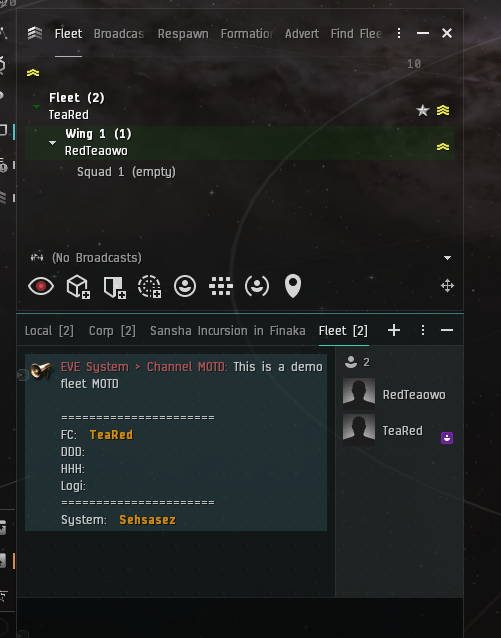
After joining the fleet, you should be able to see the MOTD, which covers the basic information of this fleet, including where we are currently going, FC and various functional roles. FC (Fleet Commander): Fleet Commander. DDD: Light Drone Controller, please assign your light drones to DDD. HHH: Heavy Drone Controller, please assign your heavy drones to HHH. Logi: Logistics, support, broadcast to request shield.
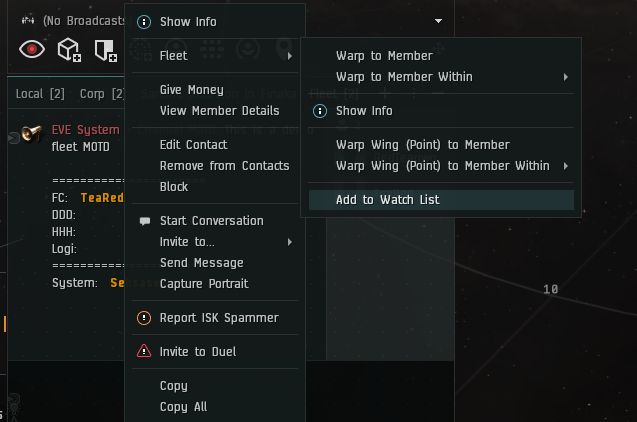
It is strongly recommended here to add FC to the watchlist to ensure you are in the correct position.
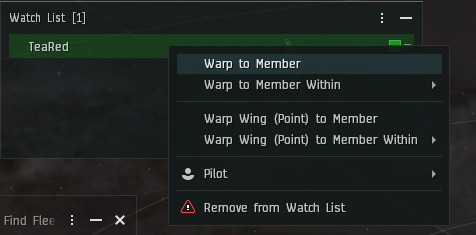
The first thing you need to do is "Warp to FC", which means warp to your FC.
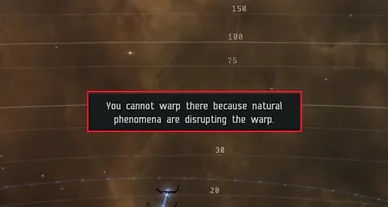
To ensure you are with FC. When warping to the site, warp again, a "natural phenomenon" will pop up. At this time, you can ask FC "gate status" (acceleration gate status). FC will reply gate is red/gate is green. Red means don't enter, green means enter immediately. If you don't get a reply or get red, please ask again after 30 seconds.
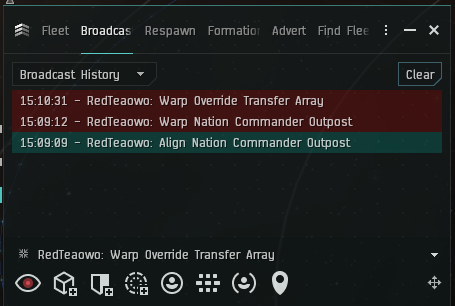
When you see multiple broadcasts, be sure to handle the latest broadcast (DPS/Sniper only). Logi please judge the priority of "need shield" broadcasts.
When FC asks you to Align to gate, press "Q" and then drag the blue arrow to the end of the gate, and click twice.
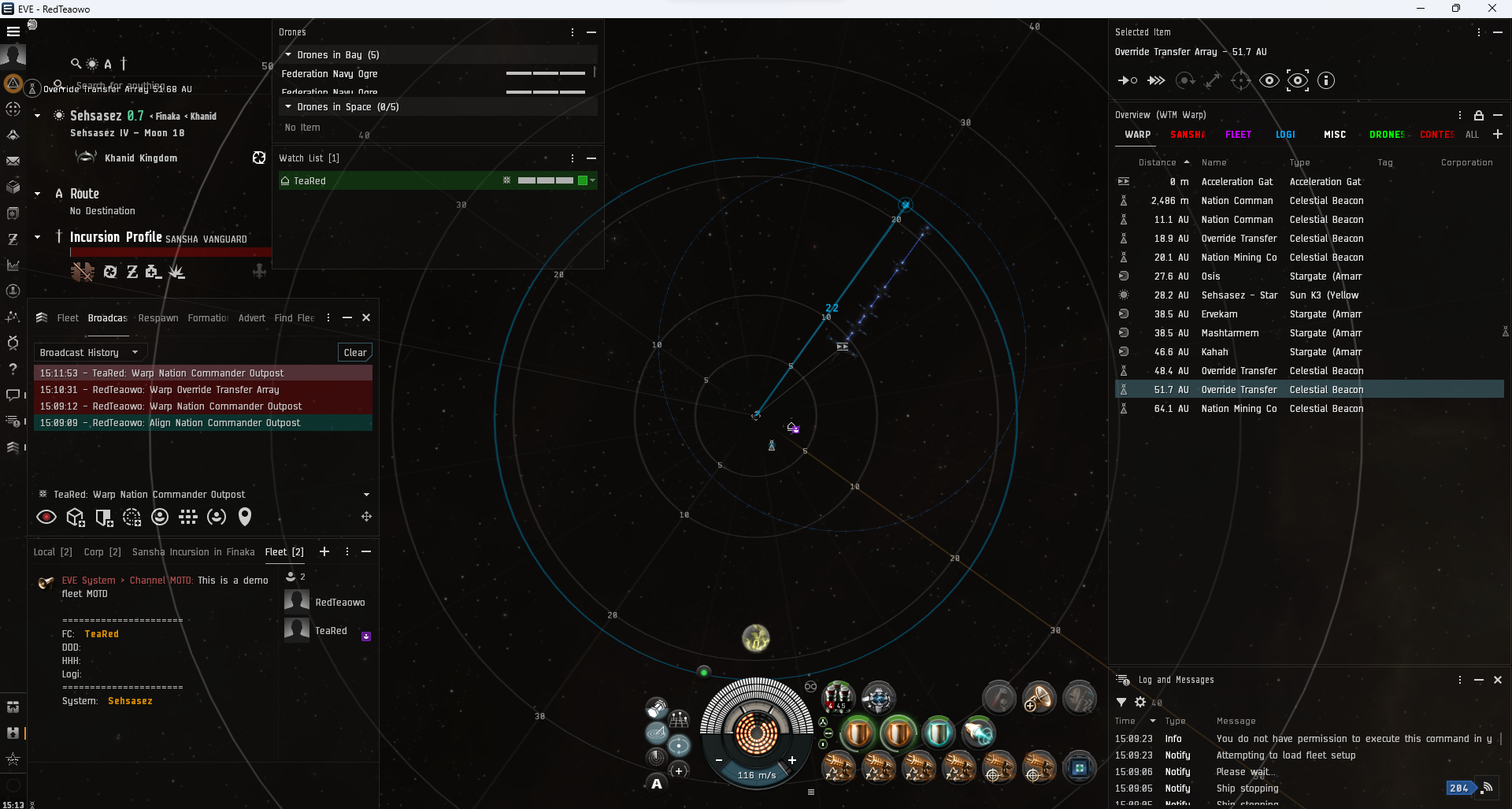
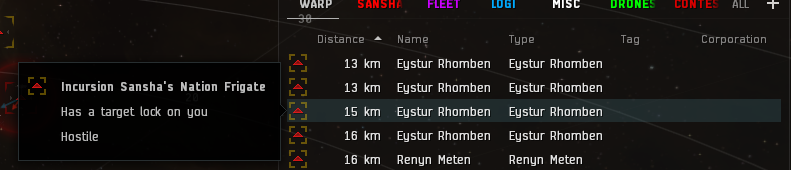
When enemies lock you (yellow frame), please broadcast "need shield".